
Free
For one playlist and a first look.
- Playlists (M3U or Xtream Codes): 1
- Live TV with now and next
- Movie or episode starts per month (Apple devices): 3
- Favorites (Apple devices): 100
- Collections: 1
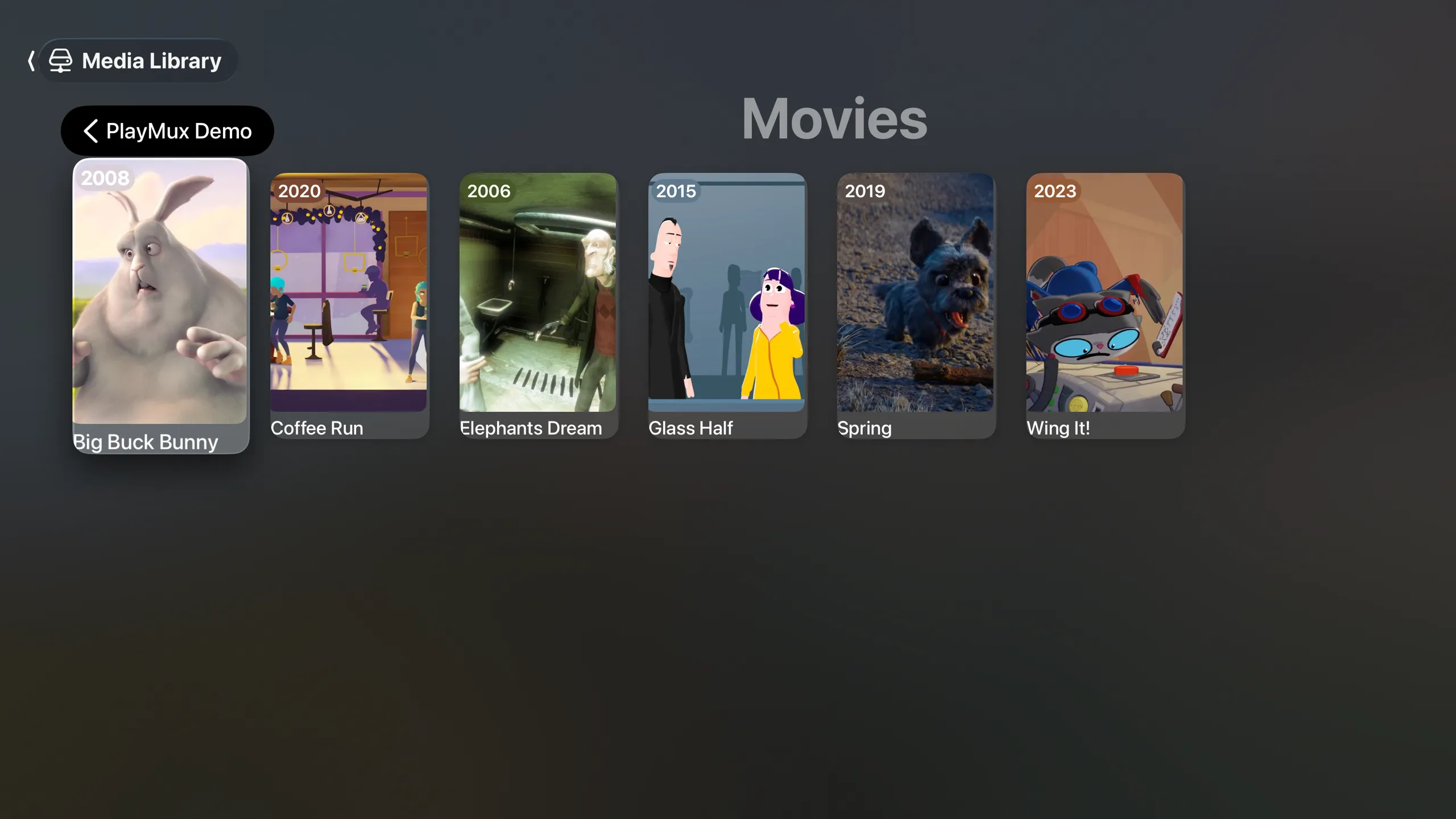
PlayMux is a personal media player for content you already have access to: your Jellyfin, Plex or Emby server, the videos on your NAS and your own playlists.
Coming soon to the App Store and Google Play.

Apple TVtvOS 26 or later
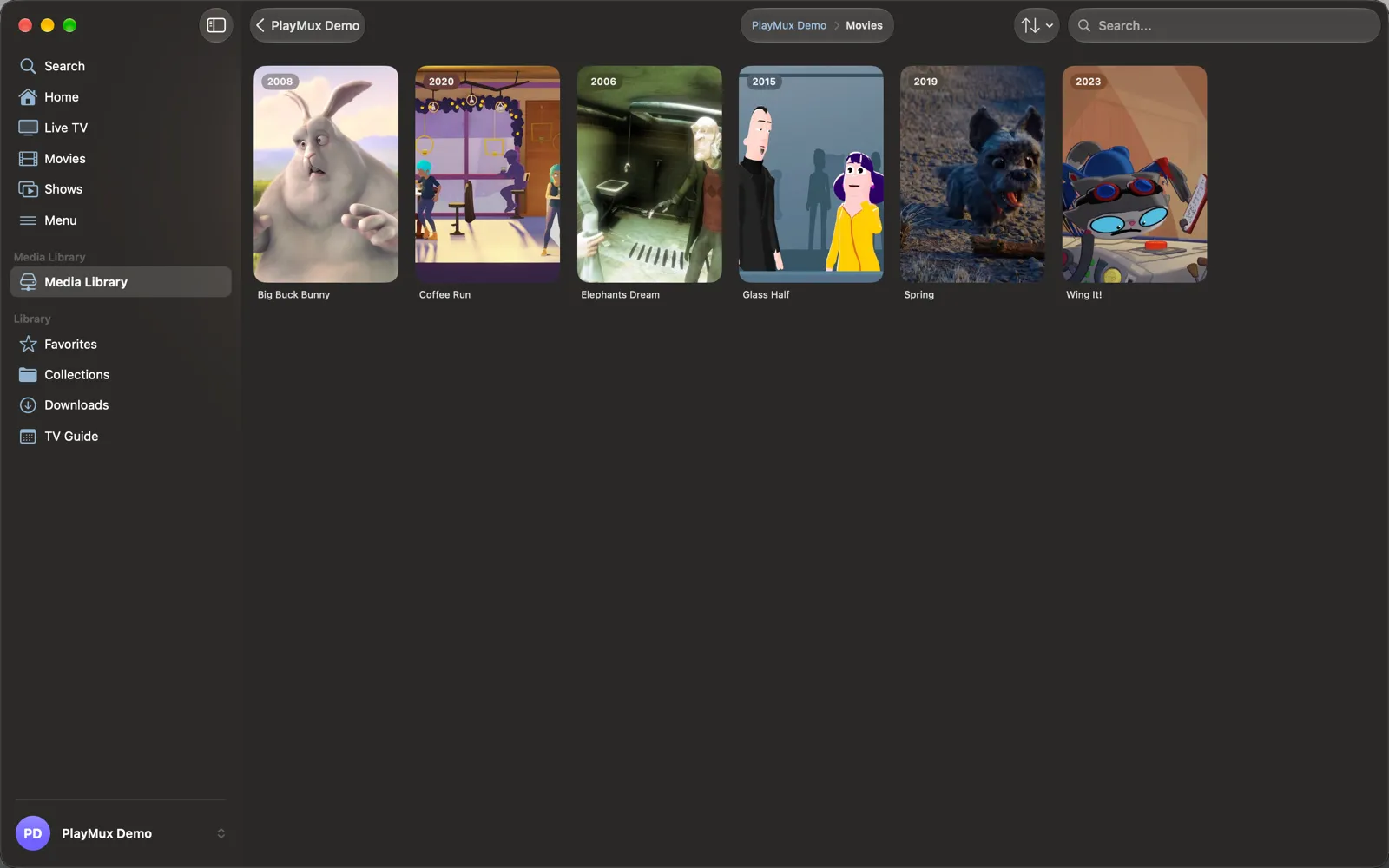
MacmacOS 26 or later
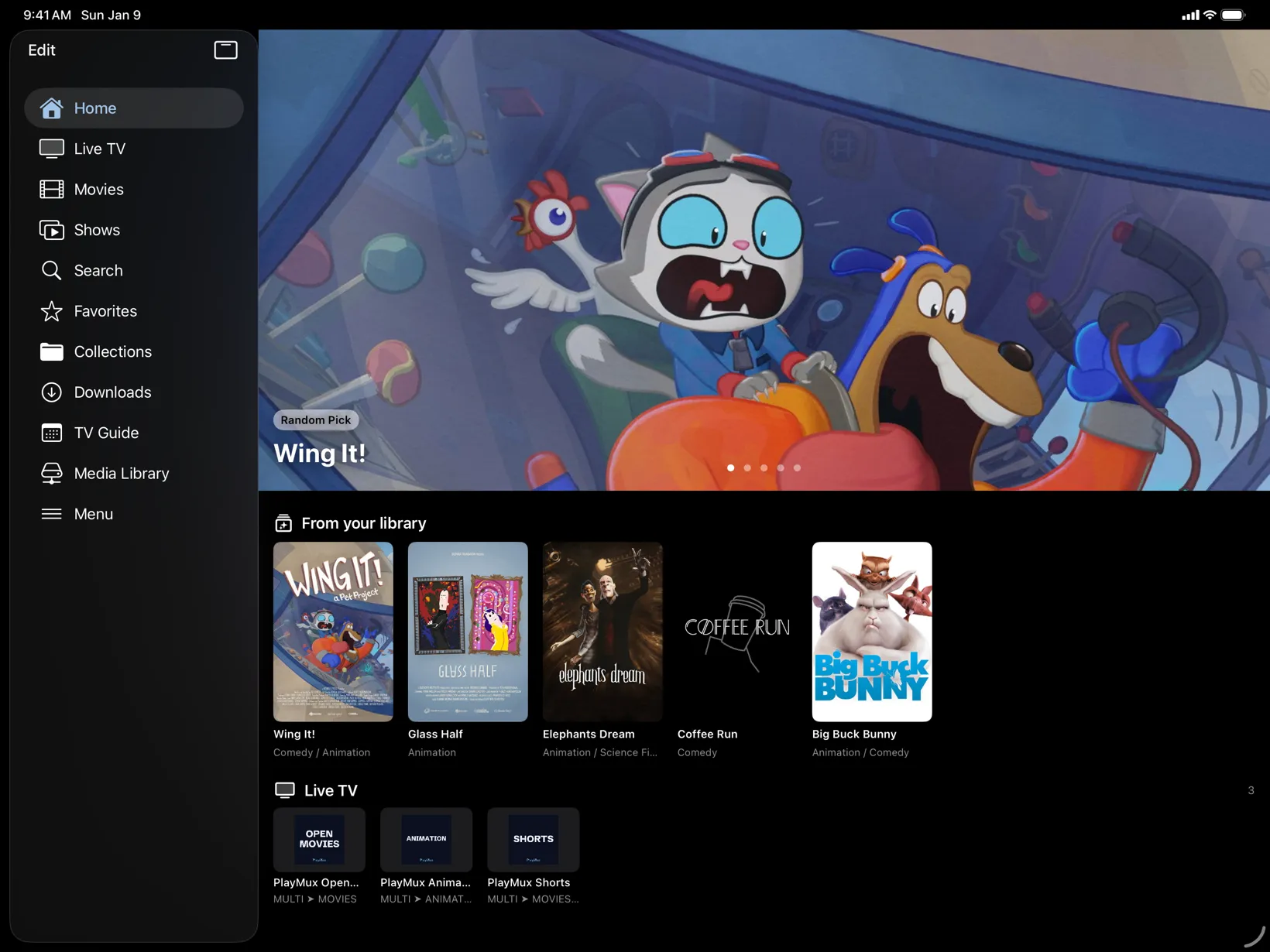
iPadiPadOS 26 or later
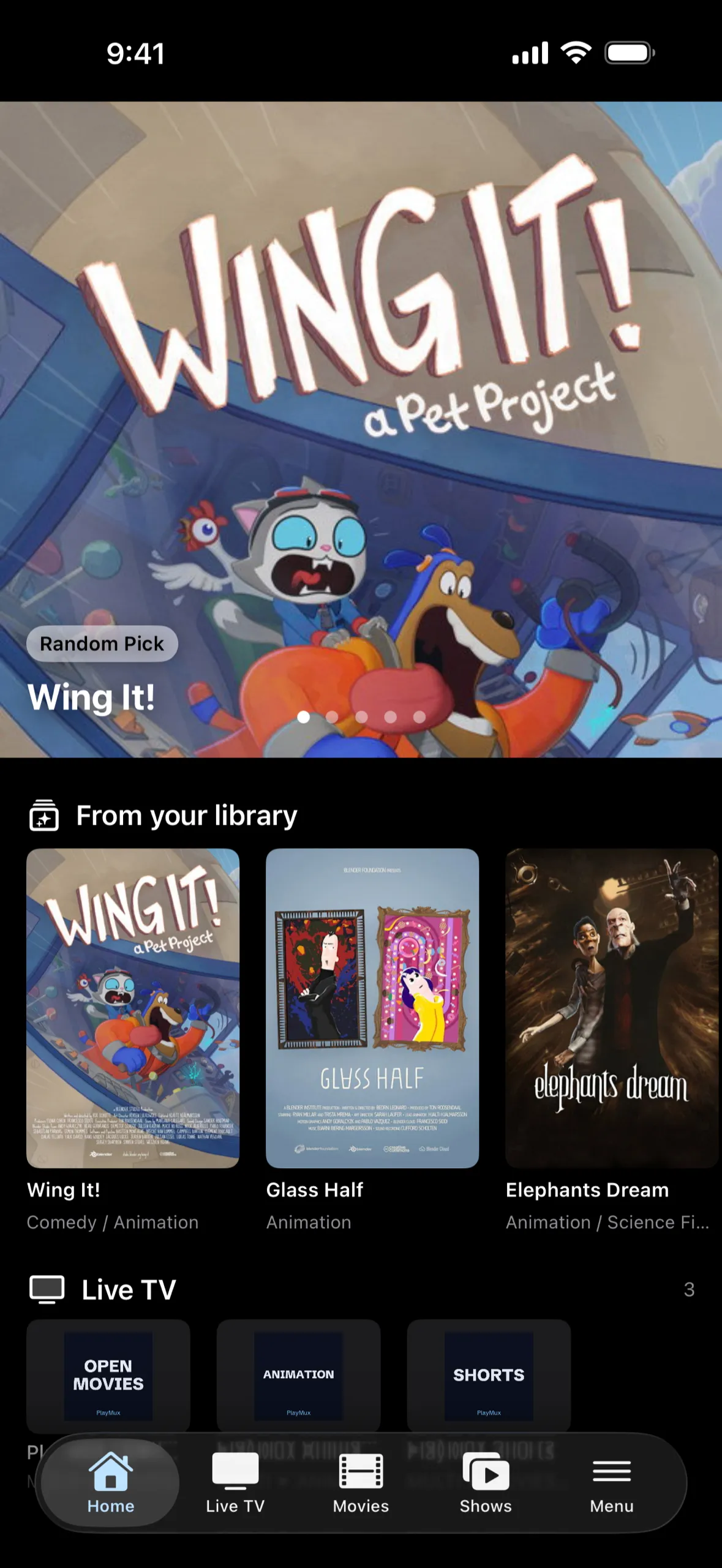
iPhoneiOS 26 or later
AndroidAndroid 8.0 or later
Built natively for Apple TV, Mac, iPad, iPhone and Android. Your playlists, favorites and watch progress sync between your devices.*
*Within one platform: Apple devices via iCloud, Android devices via Google Drive (on Android, only media library favorites). Requires PlayMux Pro.
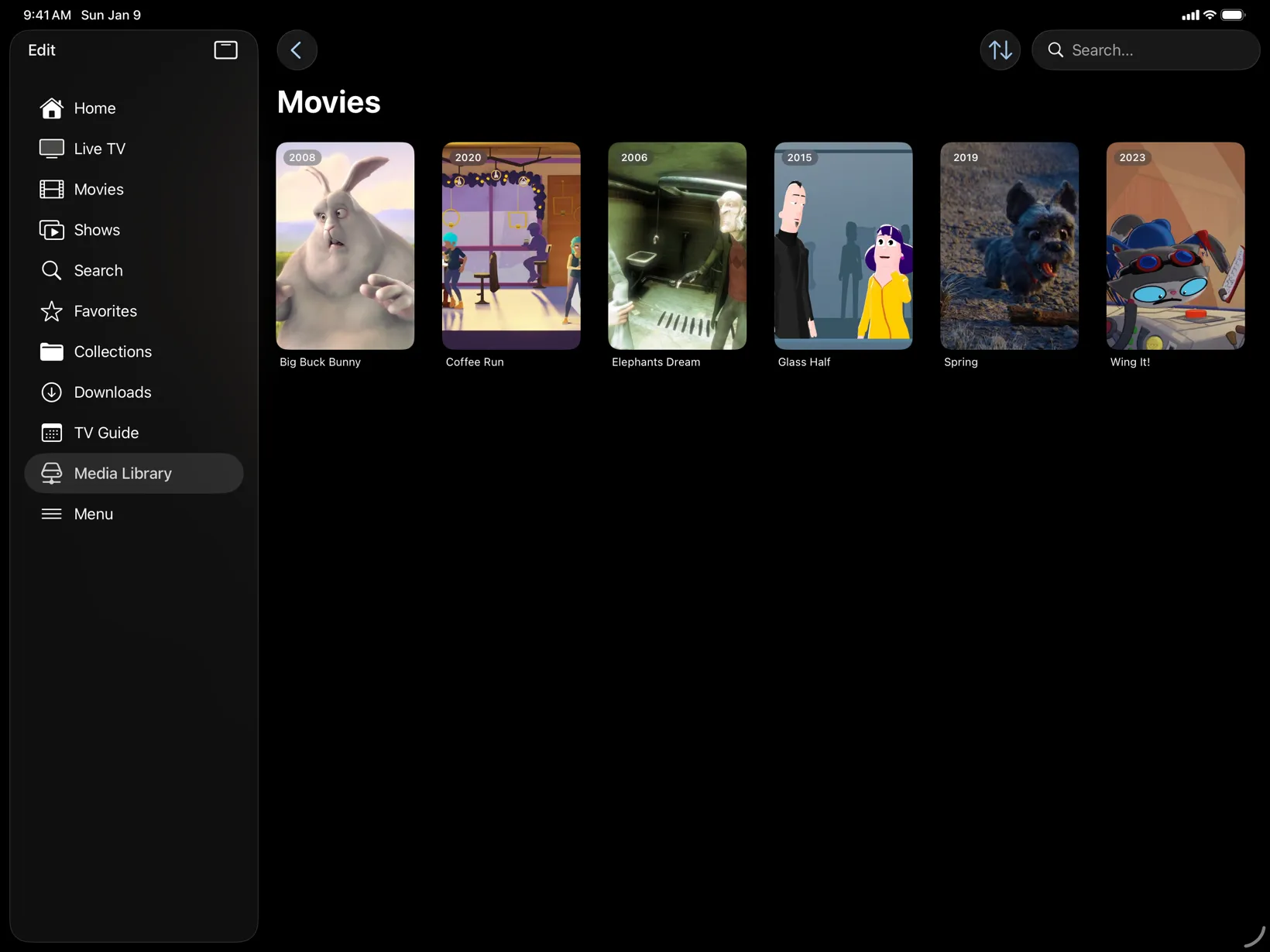
Connect your Jellyfin, Plex or Emby server or a network share on your NAS. PlayMux shows your movies and shows with artwork, seasons and episodes, and plays them straight from the source.
Works with
Also plays your own playlists: M3U, Xtream Codes and XMLTV program guides.
Media servers and network shares are part of PlayMux Pro.
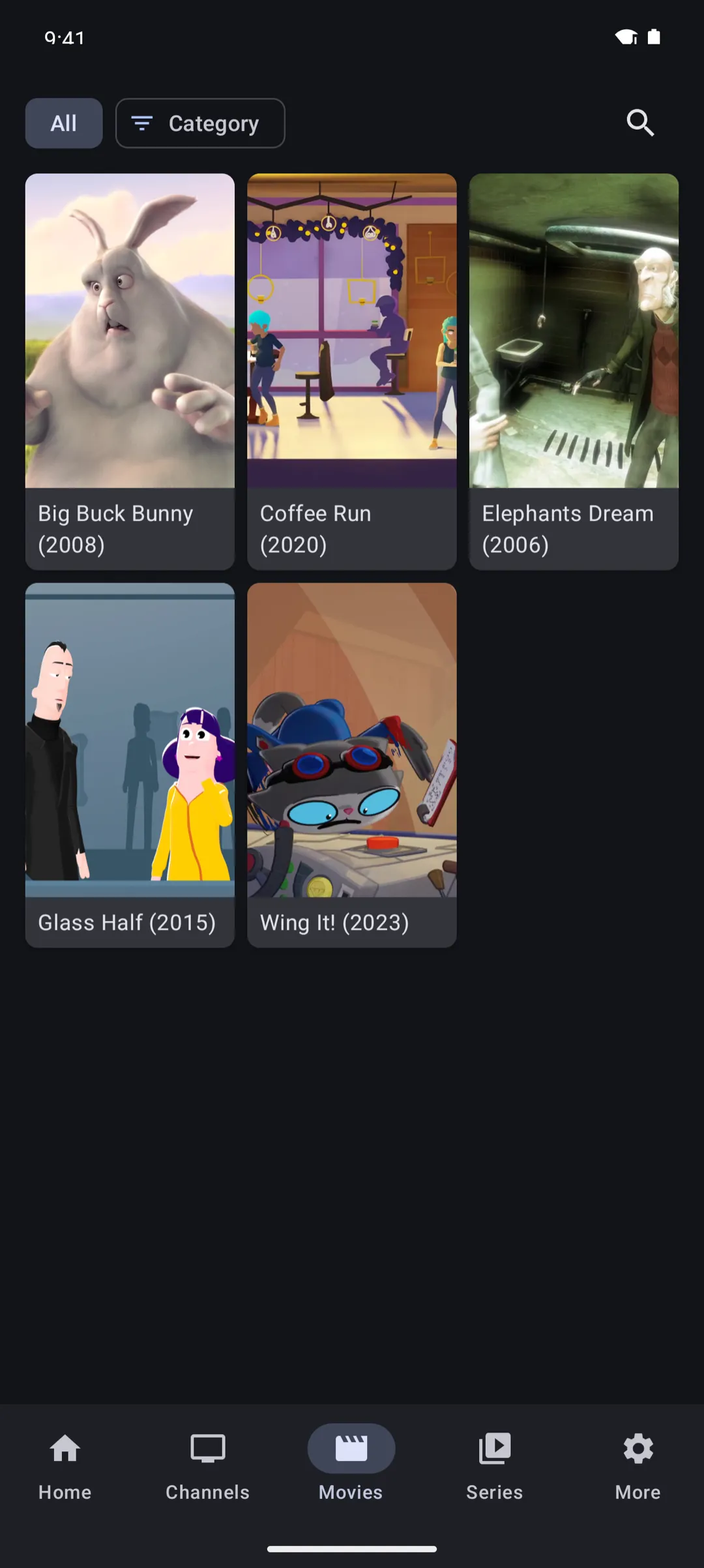
Add your own M3U playlist and XMLTV guide, and PlayMux turns them into channels you can flip through like TV.
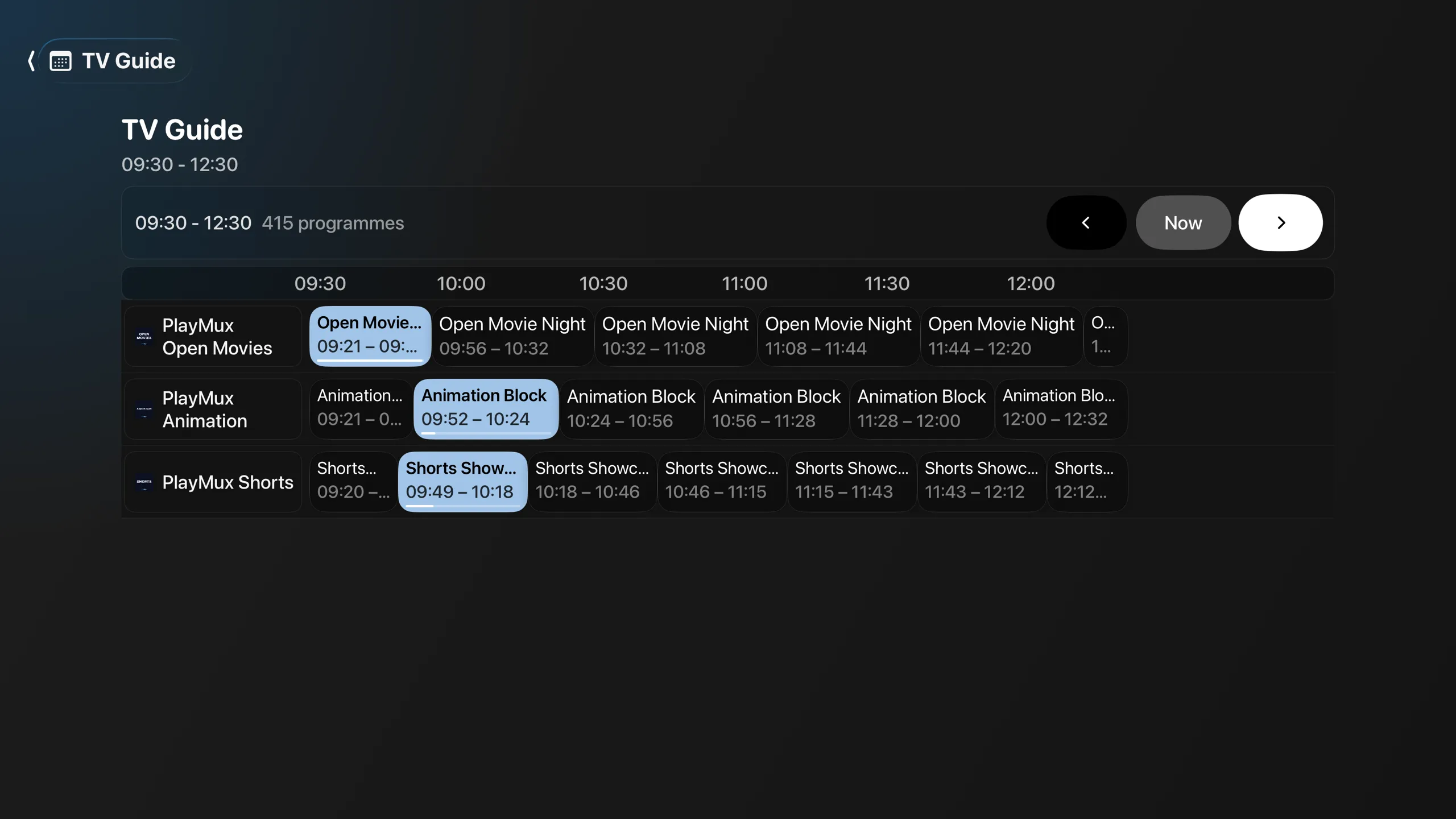
See what is on now and what comes next on every channel.
On Apple TV, change channels with the channel buttons and open the guide with the guide button of compatible remotes.
Pin the channels you watch most and group them into your own collections.
The full TV guide grid is part of PlayMux Pro.
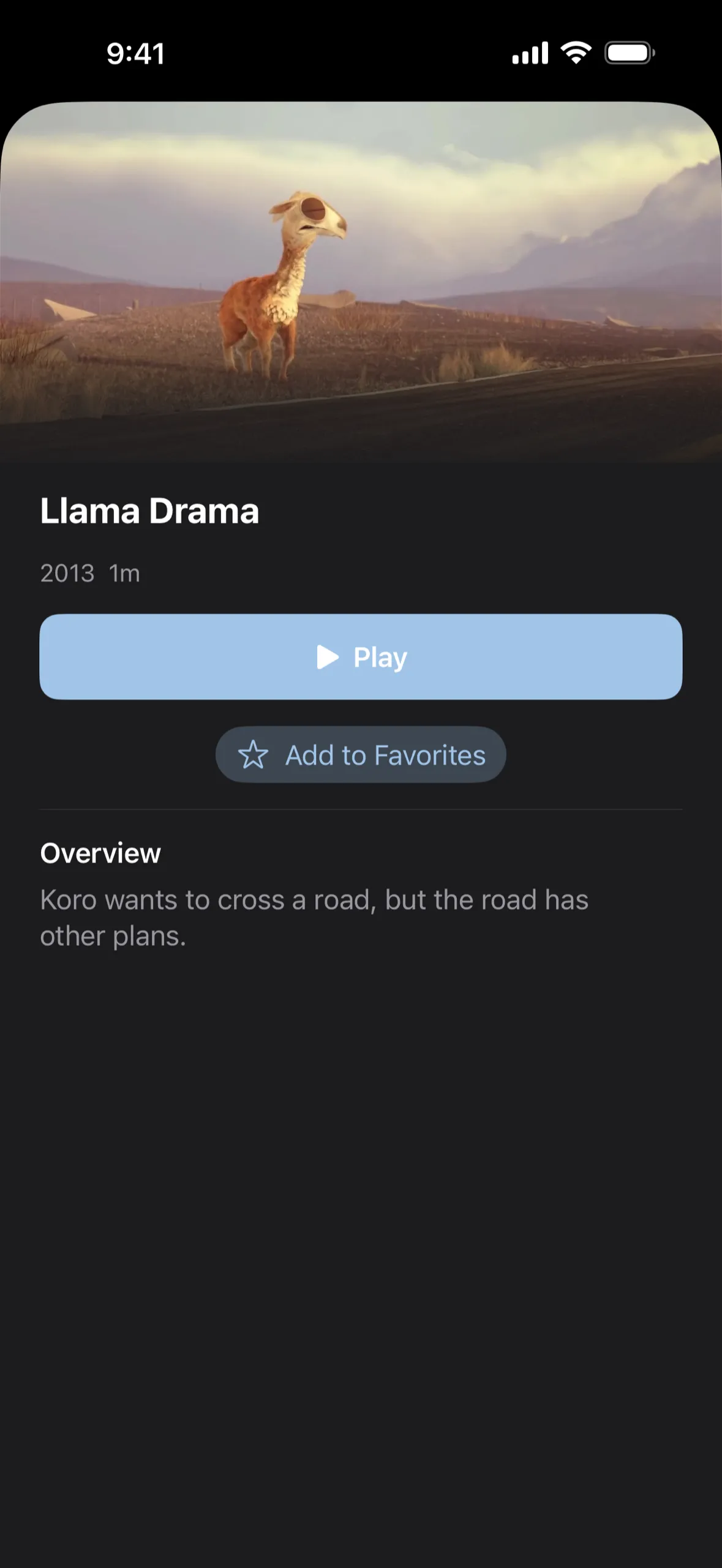
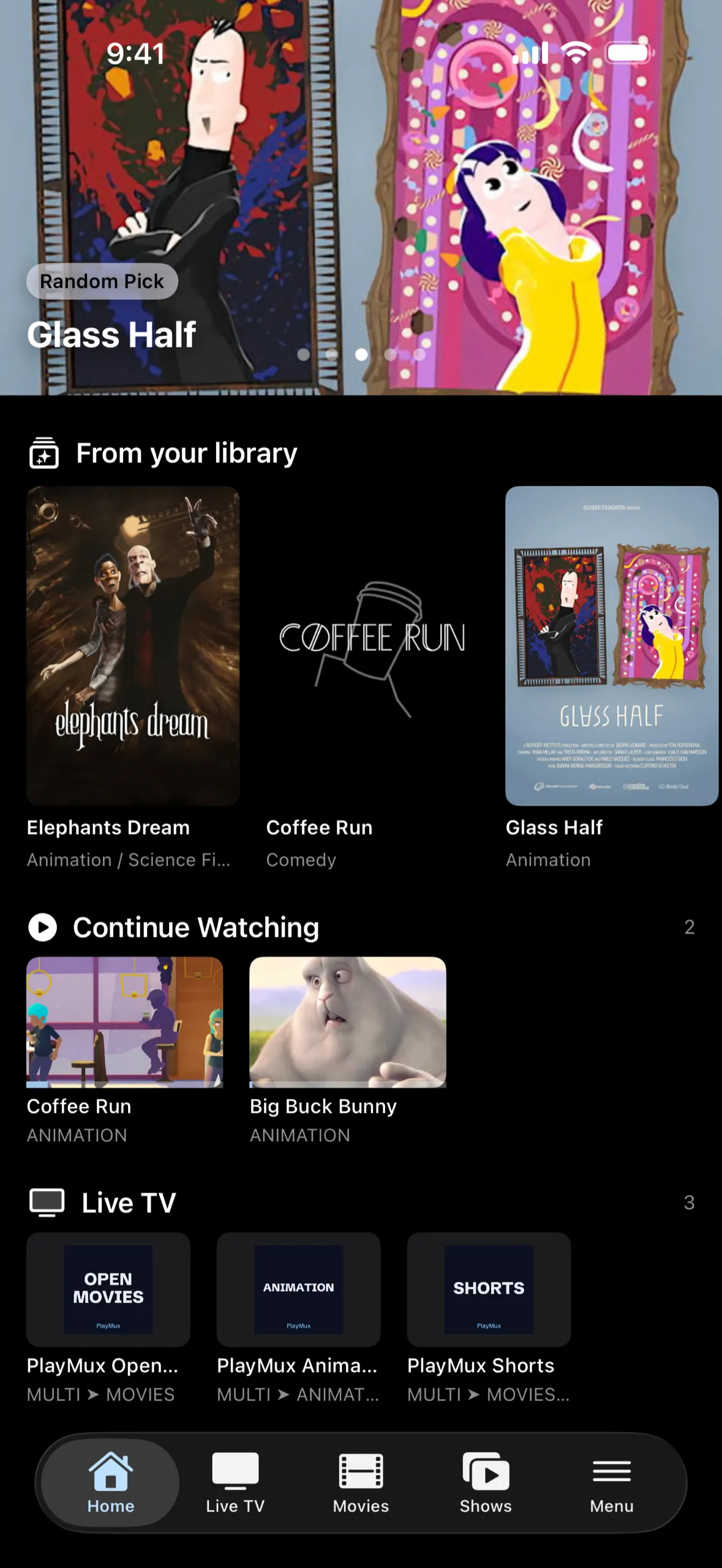
Seasons and episodes at a glance, details and artwork for every title, and collections that mix movies, shows and channels from all your playlists.
On Apple devices, continue watching is part of PlayMux Pro.
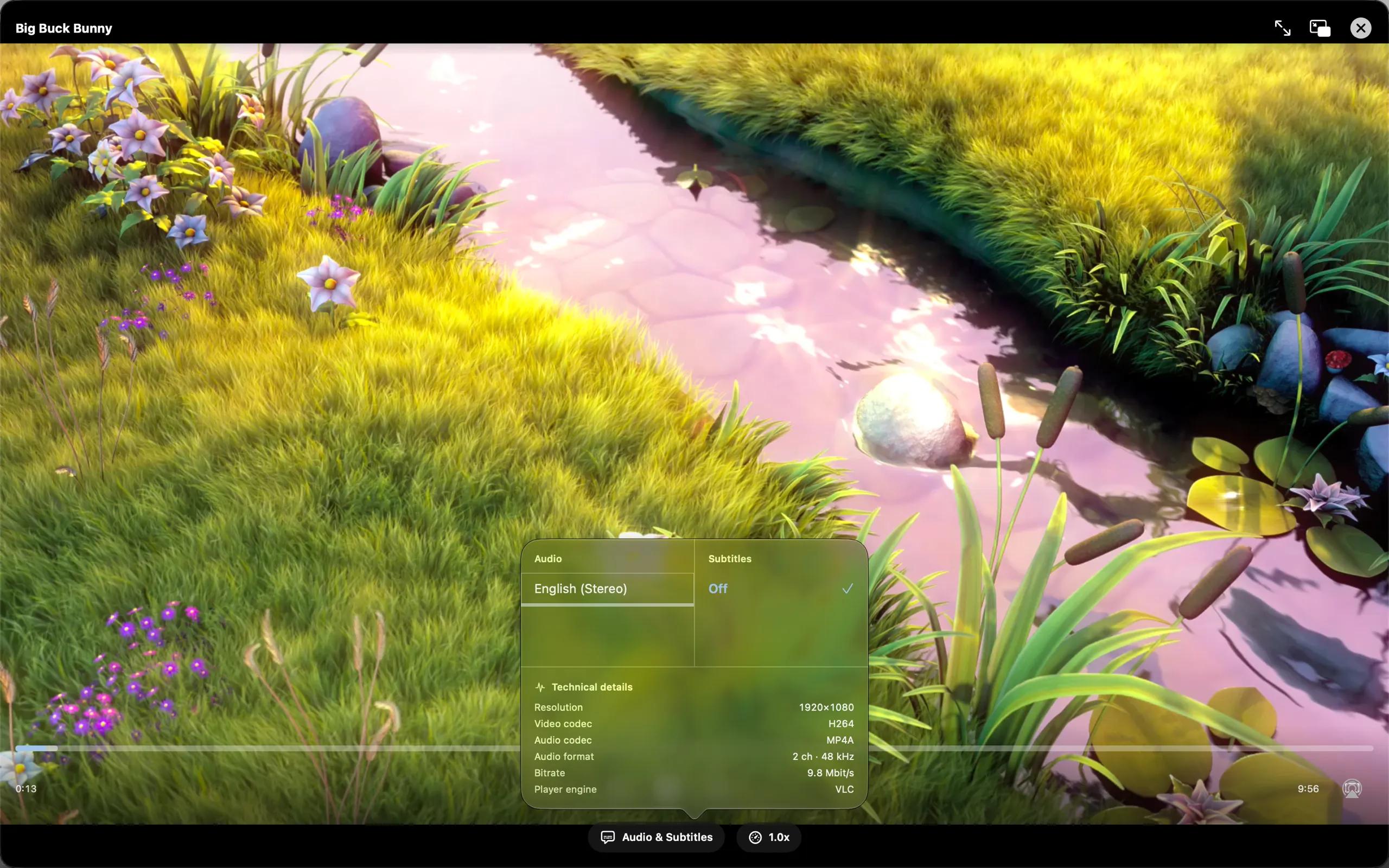
VLCKit on Apple devices, Media3 on Android. PlayMux plays the files you actually have, with the tracks they actually contain.
| Feature | Apple TV | iPhone & iPad | Mac | Android |
|---|---|---|---|---|
| Formats | MKV, MP4, MOV, TS, HLS | MKV, MP4, MOV, TS, HLS | MKV, MP4, MOV, TS, HLS | MKV, MP4, TS, HLS |
| Audio track selection | Yes | Yes | Yes | Yes |
| Subtitle selection | Yes | Yes | Yes | Yes |
| Playback speed | 0.5–2× | 0.5–2× | 0.5–2× | 0.5–2× |
| Adjustable skip interval | Not available | Yes | Yes | Yes |
| Picture in Picture | Not available | Yes | Yes | Yes |
| Stream to a TVPro | Not available | AirPlay | AirPlay | Chromecast |
| DownloadsPro | Not available | Yes | Yes | Yes |
| Background playback | Not available | Yes | Yes | Not available |
Picture in Picture on iPhone, iPad and Mac works for movies and episodes in MP4, MOV and HLS. Apple TV has no Picture in Picture.
tvOS 26 or later
iOS and iPadOS 26 or later
macOS 26 or later
Android 8.0 or later
PlayMux has no account and no server of its own. Your media travels directly between your device and your sources.
Passwords and tokens for media servers are stored in the Keychain on Apple devices and in the Android Keystore. If iCloud Keychain is turned on, it syncs these passwords end-to-end encrypted between your Apple devices.
On Android, PlayMux Pro can sync your playlists, media library favorites, collections, watch progress and a few playback settings to a private app folder in your own Google Drive. Playlist addresses are synced as you entered them, so they can contain access data. PlayMux can only access this folder, not your other files, and the data never passes through a PlayMux server.
The apps contain no tracking and no advertising. This website uses Google Analytics only if you agree.
New subscribers can try PlayMux Pro free for one month.
For one playlist and a first look.
Everything, on every device of your platform.
PlayMux Pro is a subscription through the App Store or Google Play. It applies to all devices with the same Apple ID or Google account. A subscription on Apple devices does not unlock Android, and vice versa.
*Within one platform: Apple devices via iCloud, Android devices via Google Drive (on Android, only media library favorites). Requires PlayMux Pro.
Prices for your country are shown in the app before you subscribe.
PlayMux is a personal media player for content you already have access to: your Jellyfin, Plex or Emby server, the videos on your NAS and your own playlists. It runs on Apple TV, iPhone, iPad, Mac and Android.
No. PlayMux does not provide, sell or recommend any content. It plays media from servers, network shares and playlists that you add yourself and are allowed to use.
Jellyfin, Plex and Emby servers, SMB network shares (for example on a NAS), M3U playlists, the Xtream Codes API and XMLTV program guides. Media servers, network shares and more than one playlist require PlayMux Pro.
Apple TV with tvOS 26, iPhone with iOS 26, iPad with iPadOS 26 and Mac with macOS 26 or later, plus Android phones, tablets and Android TV with Android 8.0 or later.
Yes. The download is free, and the free version plays one playlist, M3U or Xtream Codes. PlayMux Pro adds media servers, more playlists, the full TV guide, downloads, sync and more. New subscribers can try PlayMux Pro free for one month. Pro is tied to your App Store or Google Play account and does not carry over between Apple and Android.
With PlayMux Pro, yes, within one platform: Apple devices sync through iCloud, Android devices through your Google Drive. There is no sync between Apple and Android devices.
No. The apps contain no tracking or advertising and have no PlayMux account. Passwords for media servers are stored in the Keychain or the Android Keystore. The privacy policy has the details.
Yes. The Apple TV app is built for the Siri Remote, shows trending titles in the Top Shelf and supports the channel and guide buttons of compatible remotes.
On Apple devices PlayMux uses VLCKit and plays MKV, MP4, MOV, TS and HLS, among others. On Android it uses Media3 and plays MKV, MP4, TS and HLS. Picture in Picture on iPhone, iPad and Mac works for MP4, MOV and HLS.
PlayMux is coming soon to the App Store and Google Play.
Coming soon to the App Store and Google Play.